

Build a Minecraft plugin with Gradle
Gradle is flexible and used by Paper, Fabric, and other projects. Keep the wrapper and make Java and dependencies explicit and repeatable.
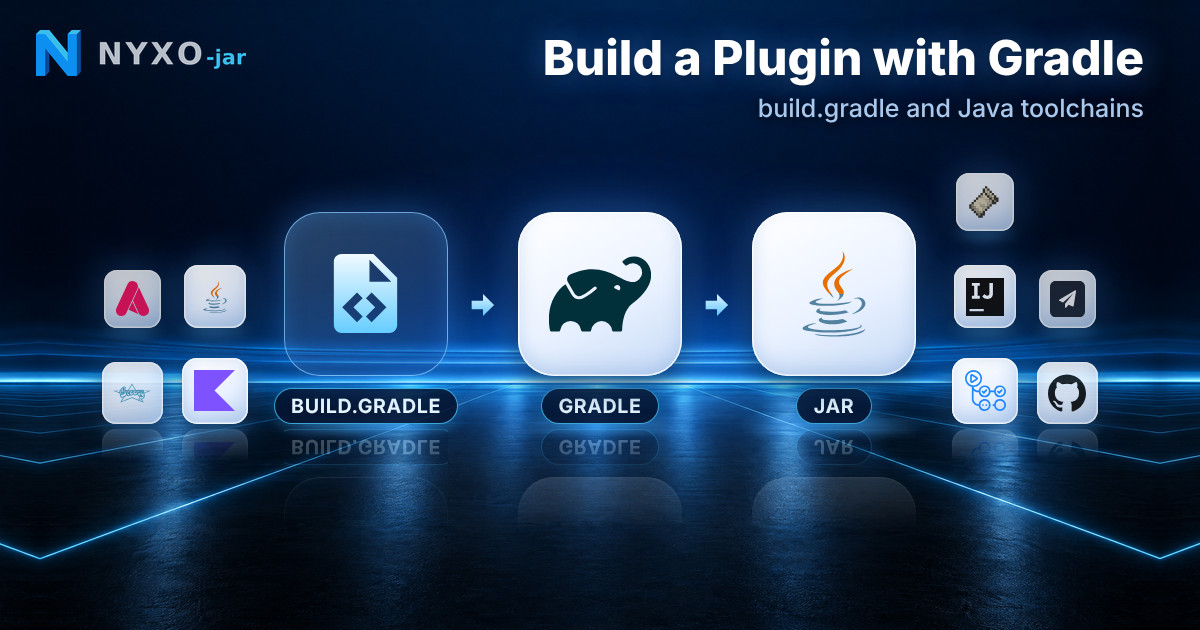
Gradle files to keep
A plugin project commonly has settings.gradle or settings.gradle.kts and a build.gradle or build.gradle.kts file. Java source usually lives under src/main/java, with resources such as plugin.yml under src/main/resources. Keep gradle/wrapper and the gradlew scripts when the project uses the Gradle Wrapper; they pin the tool version and make builds repeatable.
In a multi-project build, settings.gradle lists modules and the root file may define shared plugins and versions. Upload the project root. Removing build and .gradle often reduces ZIP size because they contain output and caches, but keep project configuration. Review the ZIP preparation guide before uploading.
Set a Java toolchain
Many Gradle projects use a toolchain to select the compiler JDK instead of relying on the computer's default Java. For example:
java {
    toolchain {
        languageVersion = JavaLanguageVersion.of(21)
    }
}
This requests Java 21 for compilation, but it does not guarantee every Gradle version or environment can download it automatically. Confirm the JDK is available and supported by the wrapper. Also check options.release and sourceCompatibility; duplicate, conflicting settings cause confusing errors. If invalid source release: 21 appears, the active compiler is older than the target, not necessarily a reason to change Gradle at random.
Add Paper API with the right scope
For a Paper plugin, add the Paper repository and a paper-api dependency to the build file. Plugin projects commonly use compileOnly because the server supplies the API at runtime. Do not bundle the server API unless platform documentation requires it. Use a dependency version that matches the Paper release you test, and confirm that the code does not call methods newer than the oldest release you support.
If the compiler cannot find org.bukkit or io.papermc, check the repository, dependency name, and module being built. If a dependency is private, do not put its password in build.gradle or the ZIP; use a protected environment variable. Also check imports and version constraints; adding a dependency name is not enough if the repository or platform version is wrong. The Paper guide covers API selection.
Build tasks and choosing the artifact
A common command is ./gradlew clean build on macOS/Linux or gradlew.bat clean build on Windows. The wrapper uses the version in gradle-wrapper.properties. The build task may run tests and create a JAR, but custom projects can use another task or produce several artifacts. Read the task output and log to identify the runtime file; do not confuse it with a -sources artifact.
Open the resulting JAR as an archive. It should contain class files and resources, with plugin.yml at the root. If Shadow creates a JAR with bundled libraries, verify the task output and actual filename. Do not use Shadow to bundle the Paper API itself. Bundling a dependency may require relocation when package conflicts are possible, and the library's license still applies.
Check server compatibility
Gradle can run on one Java version, compile with another toolchain, and produce a JAR for a server using a third. Check all three. For Unsupported class file major version 65, determine whether the message came from a Gradle plugin or the server JVM; Java 21 corresponds to major 65. If it appears while Gradle starts, the wrapper or plugin may need an update. If it appears during server startup, the runtime is older than the bytecode. See the error guide and the Java chart.
Minecraft version, Java version, and Paper API version are not the same. Choose the oldest server you intend to support, then test there and on a current target. If the code uses Paper-specific APIs, do not expect Spigot to provide them. The plugin.yml api-version should fit the server API, but it does not replace a dependency or prevent the code from using an unsupported class.
Build with NYXO JAR and diagnose failures
Put source files, the Gradle wrapper, settings, and resources in the ZIP. After upload, review the detected environment and log. A successful task means Gradle produced an artifact and the file checks passed; it does not test the plugin's commands in-game. Download the JAR, run it on a Paper test server, and read startup logs. If a dependency is missing at runtime, inspect its scope or packaging task and see NoClassDefFoundError.
For Unsupported API version, inspect plugin.yml and the server-supported value; see the focused guide. For a Java compiler failure, read invalid source release 21. For the difference between a real build and changing an extension, use the comparison page.
Compile-only and runtime dependencies
Gradle separates dependencies available to compilation from those required at runtime. Paper API is often compile-only because the server provides it, while a standalone library needed by the plugin may need bundling or another delivery method. If you mark a library compileOnly but the server does not provide it, compilation can pass and plugin loading can fail with NoClassDefFoundError. Inspect configurations and task output, not just the dependency name.
In a multi-module project, a plugin or toolchain in the root does not guarantee every module inherited the setting you expected. Check the failing project path, convention plugins, and files that add repositories. Remember that the wrapper controls the Gradle version; changing Java does not update Gradle automatically. Make changes incrementally and record each build result so you can trace the cause.
Check the plugin JAR task
In Gradle, inspect the jar configuration or custom packaging task and confirm resources enter the output. A plugin.yml under src/main/resources should appear at the JAR root. If Shadow creates a JAR with bundled libraries, verify the exact artifact it creates and whether the default build task depends on it. A missing descriptor can make the server reject a plugin even though compilation succeeded.
Do not rename the file to hide a suffix such as -dev or -sources. Check classifiers and task outputs, then test the runtime file on a Paper staging server. With multiple subprojects, run the correct module task or the root task that includes its requirements. A file under build/libs is not necessarily the latest output; check its timestamp and task log.
Use the wrapper for a consistent team build
Developers, CI, and build services should use the Gradle version pinned by the wrapper. After upgrading it, review plugin and Java toolchain compatibility; downloading a newer Gradle release does not finish the migration. Document the tool version and use the wrapper command when diagnosing a failure. This reduces differences between your computer and the build environment and makes fixes easier to reproduce.