


Fix Unsupported class file major version 65
Major version 65 is Java 21 bytecode. Where the message appears determines whether the fix is in Gradle, a parser, or the server runtime.
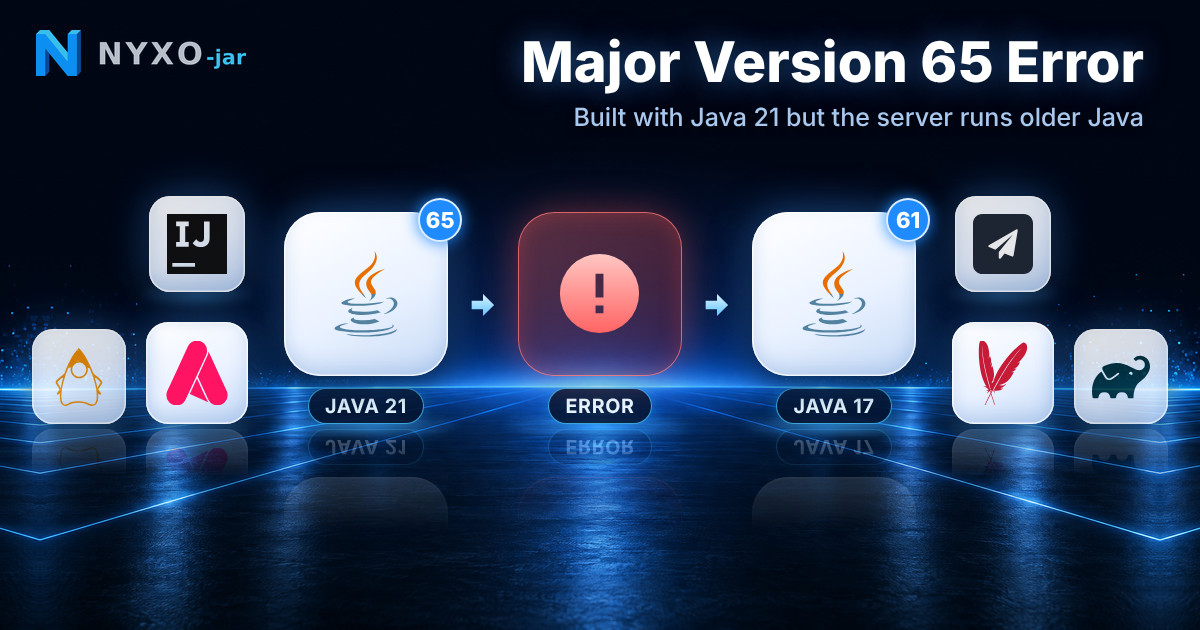
What does major version 65 mean?
Compiled Java class files carry a major version that identifies their bytecode format. Version 65 maps to Java 21. The message Unsupported class file major version 65 means a program is trying to read bytecode newer than it supports. It does not identify a Minecraft release, and it does not by itself mean the source project is wrong. The project may be valid while the JDK, Gradle version, or bytecode-analysis tool is too old for the class it is reading.
The error can occur at different stages. Gradle may print it while starting or analyzing a plugin; a library using ASM or Groovy may fail while inspecting classes; the Java runtime may also reject the plugin when the server loads it. There is no single fix for all three cases. Read the program name and the lines before the error, then determine whether it happened before the compiler reached your source or when the server launched.
If Gradle or project analysis fails
Check the Gradle wrapper in gradle/wrapper/gradle-wrapper.properties, especially the distributionUrl. An old Gradle release may not understand Java 21 as its runtime or may not parse class files produced by a newer library. Use a wrapper version supported by the project and its plugins, then try again. Do not delete the wrapper just because an error appeared; it pins the expected Gradle release and helps the team reproduce builds.
Separate the Java runtime used to start Gradle from the Java toolchain used to compile your code. Gradle might run on Java 17 while the toolchain requests Java 21, or the reverse. Compatibility rules differ by Gradle version. If the error comes from a third-party plugin during configuration, that plugin may also need an update; upgrading Gradle alone can reveal a separate incompatibility.
If the server rejects the plugin
If a Paper or Spigot log reports UnsupportedClassVersionError with class file version 65.0, the JVM running the server is older than Java 21. Updating the build JDK does not automatically update the server runtime. Configure the host to use a compatible Java runtime, or rebuild for an older target only if the source and all dependencies support it. Check the actual launch command; a hosting panel may use a different Java path from your terminal.
Do not lower the target to Java 17 if the source uses language features added after Java 17, or if a dependency itself requires Java 21. The compiler target, libraries, and runtime must agree. Also check the Minecraft release's own Java requirement; that is separate from one plugin's build setting. The Java and Minecraft chart is a useful reference before changing versions.
A short diagnostic checklist
- Keep the first line containing
Unsupportedand the task or class being loaded. - Check
java -versionin the environment that failed, not on another machine. - Inspect the Gradle wrapper and Java toolchain, then compare them with the plugin or library requirements.
- Change one item and rebuild so you know which change addressed the cause.
In NYXO JAR, the environment summary and build log show which Java version was selected for the project. If the build passes but the server rejects the JAR, the issue is after compilation, not in the ZIP. If Gradle never starts, focus on the wrapper and the Java used to launch it. Do not install an untrusted JAR just to get past the message.
Similar errors with different causes
invalid source release: 21 means the compiler is older than the requested source level; it is not the same as a major-version error. Unsupported API version concerns a Minecraft or server API, not Java bytecode. NoClassDefFoundError usually means a class was unavailable when code loaded. Use the page for the actual message rather than changing Java blindly: source release 21, API version, or NoClassDefFoundError.
If it still fails, share the actual Java version, Gradle version, platform, and the lines around the first error. Remove private repository URLs and tokens from the log. Those details let a maintainer distinguish bytecode that is too new for the runtime from a build tool that cannot parse it.
Use the surrounding log to identify the stage
If the error appears after a line such as Starting a Gradle Daemon and before compilation messages, do not begin by editing Java source. Check the Gradle wrapper and Java used to launch Gradle, then update an old plugin if it is the component parsing the class. If it appears during server startup under a plugin-loading stack trace, inspect the host's Java runtime and the JAR you installed. Ask whether the message came from org.gradle, java.lang, or the server classloader; the source points to the right layer.
If you need to support multiple Java releases, test the lowest supported runtime with every dependency. Compiling source on JDK 21 does not automatically make the output work on JDK 17. Check the bytecode in bundled libraries too; your own classes can target a lower release while one dependency still contains newer class files. Do not edit dependency JARs manually. Choose a compatible dependency release or raise the documented runtime requirement.
Separate build-tool classes from plugin classes
The version 65 class may belong to a Gradle plugin or dependency rather than the plugin you are writing. If the error happens during build setup, inspect the first stack-trace frame that names the library trying to read it. Updating the server's Java will not change that parser. If it happens while Minecraft starts, the rejected class may be inside your plugin or a bundled library. Check the installed artifact and loader log before rebuilding.
If you need to support older Java, test every dependency on the oldest runtime. A project can target a lower release and still bundle a Java 21 library that an older JVM cannot load. A class inspection tool or javap -verbose can compare major versions, but a real startup test on the target environment is still the final check.