

ZIP to JAR: A Real Build or Just a File Conversion?
A generic file converter may change an extension, but a Minecraft plugin needs compiled Java classes. Here is the difference.
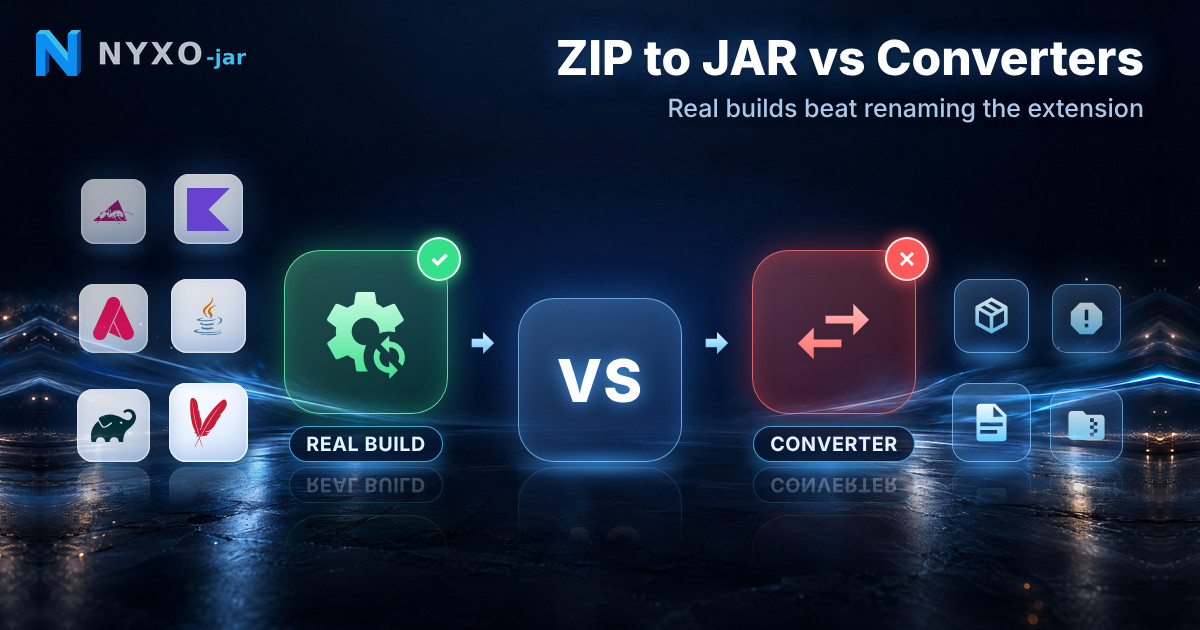
What is a JAR?
A JAR is ZIP-based, but its contents must be arranged for Java. A plugin usually needs compiled .class files, a descriptor such as plugin.yml, and its resources.
What does a generic converter do?
A general-purpose converter may only change the archive format or extension. If the ZIP contains source code, the resulting file can still contain .java files instead of runnable .class files.
What does a real build do?
- Reads the build configuration and identifies the Java version and platform.
- Prepares Java and a build tool.
- Downloads project dependencies.
- Compiles source code into
.classfiles. - Packages and verifies the JAR.
That is the job of NYXO JAR.
How can I check a JAR?
Open it with an archive viewer. A built plugin typically contains .class files and its descriptor. A JAR containing only .java source files is not a compiled plugin.
When is changing the extension enough?
If the files are already compiled and only archived as ZIP by mistake, renaming may be sufficient. For a source project, use a build tool. See the build guide.
Why the extension is not enough
ZIP and JAR share a ZIP-based archive format, but that does not make every ZIP runnable by Java. A plugin source project normally contains .java files, build settings such as pom.xml or build.gradle, and external dependencies. During a build, the compiler turns source into .class files, resources are copied, and the output is packaged into a structure the JVM can read. Renaming project.zip to project.jar runs none of those steps.
Even seeing plugin.yml inside an archive is not enough. The descriptor needs a name, main class, and version, and that main class must exist, be compiled, and use a compatible API. The code may also rely on external libraries. A JAR can be a valid ZIP container and still fail to load as a plugin.
When simple repackaging may be enough
If you already have compiled Java classes, all resources and metadata are present in the correct layout, and you only need to package them, an archive tool may be sufficient. That is different from a source project that needs a compiler or dependency resolution. Inspect the archive first: a src/main/java folder and .java files are signs that the project needs a build. The presence of .class files may mean it was compiled, but does not prove its dependencies or plugin descriptor are correct.
Do not confuse extracting an archive with compiling code. ZIP extraction reads files as they are; Maven and Gradle read project settings and execute defined tasks. A build file may describe modules, Java versions, repositories, generated resources, and packaging steps. An extension-changing utility cannot understand those relationships or create missing bytecode.
What a real build does
A build has several inspectable stages. It reads project configuration to identify modules, source, and versions. It selects a JDK and compatible build tool, resolves dependencies from declared repositories, then runs the compiler and any configured tests or generation tasks. Finally, it copies resources and creates a JAR. Passing those stages does not prove the program is correct, but it is materially different from renaming an archive.
The Minecraft project type matters. A Paper plugin may require plugin.yml and a server API dependency; a Fabric mod needs metadata and a matching loader. A build tool cannot turn Paper code into Fabric code or invent support for an API that the source does not use. The platform guide helps identify the target, and the ZIP build guide covers project preparation.
How to inspect the result
Open the JAR as an archive and look for .class files and resources. Confirm that the descriptor is at the expected path, not nested in an accidental extra folder. Compare the output with the source configuration and review the log for the task that created the artifact. If the app provides a SHA-256 value, keep it to compare two files; a hash does not prove that code is safe or correct.
The final check is a test in a matching environment: a staging server with the intended platform, Minecraft release, and Java runtime. Start without important player data, watch startup logs, and test features that use events or storage. A successful build means the project passed the configured compilation and file checks, not that every feature has been tested in-game.
Choose the right tool for the job
Use NYXO JAR when you have a source-project ZIP and want the environment checked and built into a JAR. Use an archive manager when you already have compiled files and know their layout only needs packaging. If you have a JAR and want to read its code or recover source, that is a separate decompilation workflow, not the build process described here. Before uploading anywhere, check who can access the files and never put a private repository password inside the ZIP.
A quick way to choose the workflow
Ask whether your files are source or compiled bytecode. If they are .java files with build settings, you need a compiler. If they are .class files with resources and metadata already in place, you may only need packaging. If you are unsure, inspect the ZIP instead of trying a new extension. After a build, verify the descriptor and main class in the JAR; when you run it on a server, read the load log rather than checking only that a file exists in the folder.
A generic converter does not know the required dependency or Java target. Maven and Gradle store those instructions in build settings, and the service executes them. Read the Maven guide or the Gradle guide to see what a build does beyond putting files in a container.