
Minecraft Platforms Supported by NYXO JAR
NYXO JAR builds Minecraft server plugins and mods. Here are the supported platforms and how the app recognizes a project.



Server plugins
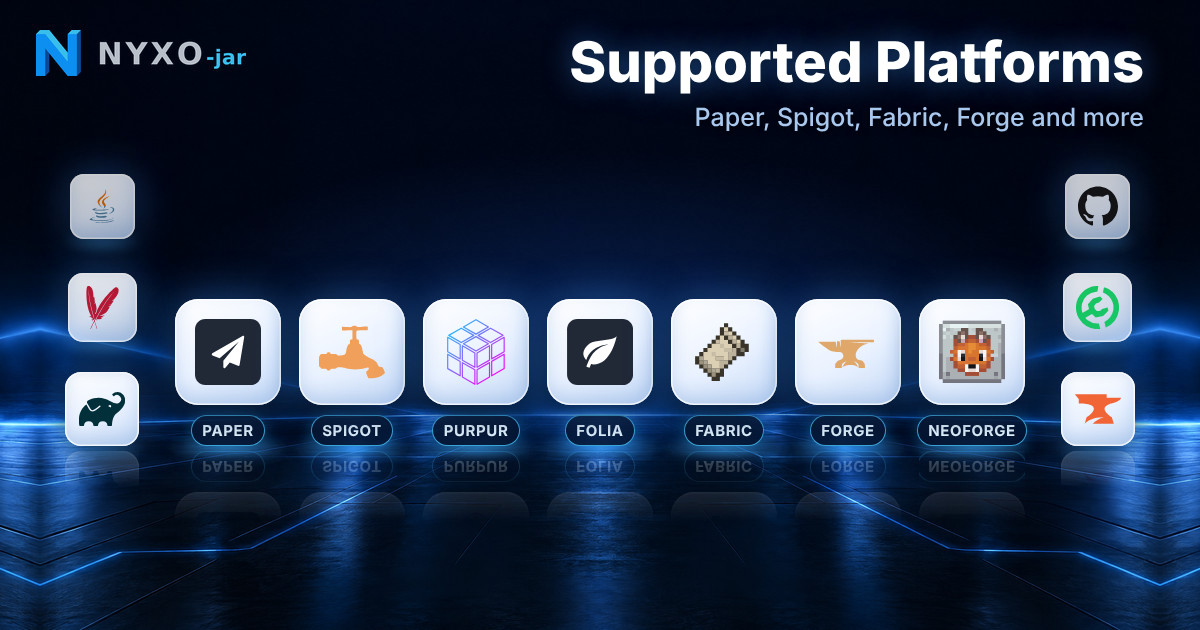
Paper
A popular, fast server platform with broad Spigot plugin compatibility.
Purpur
Built on Paper, with additional server options.
Folia
A Paper-derived platform that runs world regions across multiple threads. Plugins must be designed to support it.
Spigot
A widely used Bukkit-based platform. Many Spigot plugins also run on Paper.
Bukkit
The foundation of several server plugin platforms; older Bukkit projects can still be built.
Proxy platforms
Velocity
A modern proxy for connecting multiple Minecraft servers.
BungeeCord
A long-running Minecraft proxy platform.
Waterfall
A BungeeCord fork. Many networks have moved to Velocity.
Mods
Fabric
A lightweight mod loader. Projects commonly include fabric.mod.json.
Forge
A long-established mod loader. Projects commonly include mods.toml.
NeoForge
A separate mod-loader project with its own development path.
How does the app identify a platform?
You do not need to select a platform first. NYXO JAR checks project markers such as:
- Descriptor files including
plugin.yml,paper-plugin.yml,velocity-plugin.json,fabric.mod.json, andmods.toml. - Dependencies in
pom.xmlorbuild.gradle, such aspaper-api,spigot-api, andfabric-api.
It also detects the Minecraft and Java versions and the build tool. Browse the build guide or upload a project.
Which platform should I choose?
- For a standard server, Paper is a common starting point.
- Spigot plugins usually work on Paper and Purpur; Paper-specific features may not work on Spigot.
- For a network of servers, choose a proxy plugin such as Velocity.
- Mods change the game for players and require the matching client-side loader.
Start with the project markers
A platform is the API or loader that the code targets, not just a Minecraft version. A Paper plugin commonly depends on Paper or Bukkit APIs. A Fabric mod depends on Fabric Loader and may also use Fabric API. Two projects for the same game version can therefore require entirely different build settings and runtime environments. Do not change a platform selector just because two version numbers look similar. Leave detection automatic when the build file identifies the target; choose manually only when you know the detected marker is not the intended module.
Descriptor files help explain a project: plugin.yml and paper-plugin.yml are used by plugins, velocity-plugin.json identifies a proxy plugin, fabric.mod.json is used by Fabric, and META-INF/mods.toml is common in modern Forge projects. One file is not always the whole story. Multi-module repositories can produce several artifacts, and some keep separate modules for different platforms. Read the project tree and dependencies instead of relying on the ZIP filename.
Paper, Spigot, and Bukkit
Paper builds on Bukkit and Spigot APIs and adds Paper-specific APIs and behavior. A plugin written against Bukkit or Spigot often runs on Paper, but code that calls Paper-only APIs will not automatically run on Spigot. Choose the narrowest API that fits your needs if you want broader compatibility, and use platform-specific APIs only for a reason. The API dependency version in Maven or Gradle should match the target server; compiling against a newer API does not make the JAR compatible with an older server.
Purpur is based on Paper and adds server options, but it does not turn every plugin into a Purpur plugin. Folia is also on the Paper family, while changing how work is scheduled across world regions. Code that assumes all work runs on one thread can fail on Folia even when it compiles. Check the plugin author's compatibility statement and test against the actual server. See the focused pages for Paper and Forge when you are choosing between plugins and mods.
Fabric, Forge, and NeoForge are not Bukkit plugins
A mod changes the game and may need a matching loader and dependencies on the player's client. Fabric is known for a lightweight loader and quick updates; projects commonly include fabric.mod.json and may need Fabric API as a separate library. Forge is a long-running mod ecosystem, but the selected Minecraft version determines the Forge release and Gradle setup. NeoForge is a separate project from Forge in many game versions. Do not replace a Forge dependency with NeoForge, or the reverse, without checking whether the source supports it.
A project importing org.bukkit is likely a server plugin. One importing net.fabricmc or using Forge's Gradle plugin is likely a mod. Both may produce a JAR, but that does not make their installation steps interchangeable. Server plugins normally go in plugins; mods go in mods and may need installation on the player's client as well. The ZIP build guide covers source preparation, while Fabric and Forge cover each loader.
Proxy plugins and compatibility testing
Velocity, BungeeCord, and Waterfall sit in front of multiple servers and route players between them. A proxy plugin runs in the proxy process, not as an ordinary Bukkit plugin inside Paper. Check the dependency, descriptor, and entry point. If it does not appear in Paper's plugin list, that is not necessarily a build failure; it may be intended for Velocity. Read the log from the process that actually loads the plugin.
For a useful compatibility test, record four values: Minecraft version, platform and platform version, runtime Java, and plugin or mod version. Test on a staging server before production, especially when the project changes worlds or stores data. A successful compile confirms the compiler finished; it does not prove runtime behavior. If the server reports an error, compare it with the troubleshooting page, and use the Java chart for runtime-version questions.