
About NYXO
Hi, I’m Ahmed, also known as IMPOSTER. I build Minecraft plugins and websites, run the NYXO Minecraft server, and created NYXO JAR.
What I do
- Build Minecraft plugins for Paper and Spigot.
- Create websites.
- Run the NYXO Minecraft server and Discord community.
Why NYXO JAR?
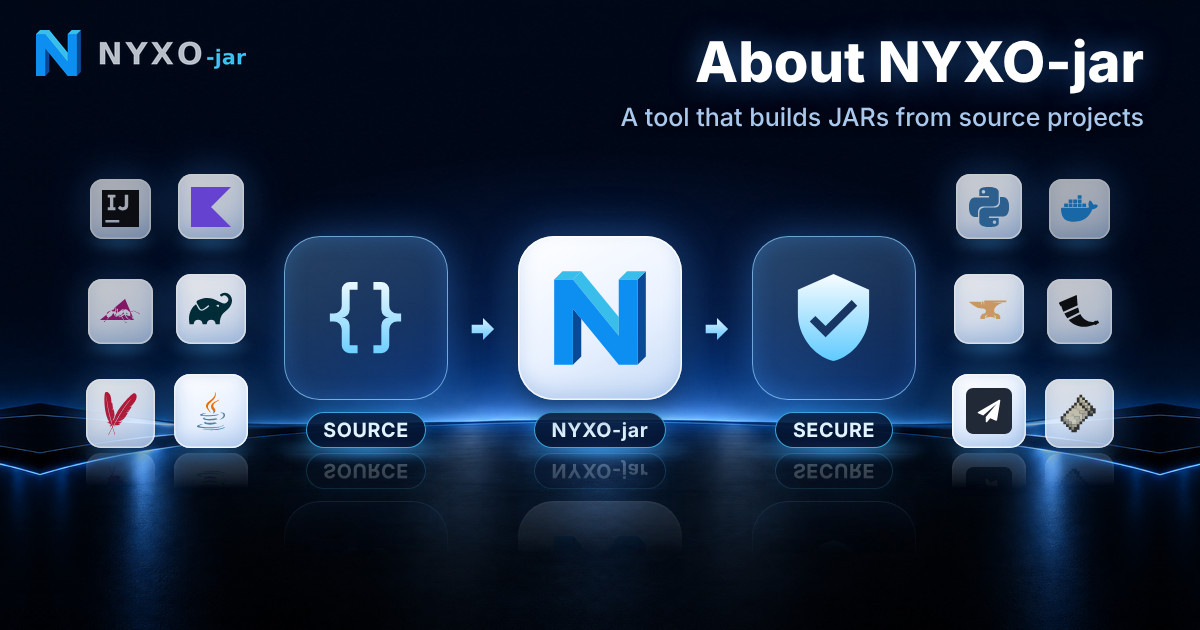
NYXO is the name of my server. NYXO JAR builds Minecraft projects from ZIP source files into JAR files. Start with the build guide.
NYXO Minecraft server
Minecraft ranks
I offer ranks for the server.
The store is being prepared.
Contact
Reach me on Discord or join the server community.
What NYXO JAR is
NYXO JAR is a build tool for Minecraft projects. It takes a ZIP containing source files and produces a JAR after preparing the project environment. The goal is to avoid setting up Java, Maven, or Gradle locally for every small project. It is not a plugin marketplace, source-code repository, or utility that makes a runnable plugin by renaming an archive. If you have an existing JAR or a project using an unsupported language or build system, check the service description before relying on it.
I’m Ahmed, also known as IMPOSTER, and the public contact shown here is Discord username a0lo8. The project is connected to the NYXO server. Those are the public identity and project details available on this page; it does not add unverified claims about years of experience, user counts, or performance results. To decide whether the service fits a project, start with the build guide and check the required build files.
Know what a build result means
A successful compile does not mean a plugin is bug-free or has been tested on every server version. The service can confirm that the build produced an output and that the file passed basic checks, but it cannot know the intent of every code path or test every feature in-game. Developers still need to review the source, dependencies, Minecraft version, and target API, then test on a matching server. The troubleshooting page distinguishes build failures from runtime failures.
The tool also does not convert a Bukkit plugin into a Fabric mod, or the reverse. They may both use JAR files, but their descriptors, dependencies, and installation paths differ. Project detection starts with those markers. See the pages for Paper, Fabric, or Forge. If you are uncertain, test a new artifact on a staging server rather than a live player server.
Files and privacy
Uploading a file means the service processes it on its server. Saved projects and downloads may be associated with an account. Do not upload API keys, passwords, database files, private configuration, or player information. The site administrator can access saved files for administration and troubleshooting. Remove sensitive data from the ZIP before sending it, and do not place credentials inside pom.xml or gradle.properties.
Archive path checks and upload limits help handle files safely, but they do not make uploaded code trustworthy. Review the dependencies your project brings in, and do not run an artifact from an untrusted source on an important server. A SHA-256 hash can compare two files; it does not scan for malware or establish that code is safe.
Preparing a project before upload
Keep the build file easy to find and make sure version settings agree. Maven projects usually use pom.xml; Gradle projects use a build file and may include the wrapper. Do not delete wrapper files or parent configuration while cleaning caches. For a Paper plugin, select an API compatible with the server you plan to test and put descriptor files in resources. For a mod, pin the loader and dependencies expected by the project.
Good project hygiene helps whether you build with NYXO JAR or on your own machine. Keep changes in version control, perform a clean build, and read the execution log from the first relevant message. Follow the guide for Maven or Gradle. For Java requirements, use the Java chart.
About the NYXO server and contact
The NYXO server has Java and Bedrock connection details and a community link in the server card above. Its presence on this page does not mean the server guarantees compatibility with every uploaded plugin. Review community rules and server settings before joining or installing files. A ranks store is not linked unless an actual store URL appears; do not rely on a missing or outdated link.
If the tool gives you trouble, include the page you used, the platform, Java version, and the first useful error in the log. Do not send passwords or private files. For common questions, open the FAQ. These pages aim to provide actionable technical information, not promise that every project will build or every JAR will run without testing.
Why the project needs a build file
A build file tells the compiler how the pieces fit together. It defines source and resource paths, Java versions, platform libraries, and tasks that create the JAR. A well-organized project can be built on more than one machine with comparable results. That is why NYXO JAR asks for a source-project ZIP instead of an already-built JAR. Reading the configuration helps the service choose tools; it does not mean the service reviewed the plugin's logic or approved every dependency license.
Developers benefit from keeping a clean source copy and a README that lists build steps and supported releases. If the project only builds on one computer, it may rely on local settings or a library that was never uploaded. Run a clean build before uploading, include the files the team needs, and compare the service log with a local build. That comparison can show whether the difference is the JDK, repository access, or ZIP contents.